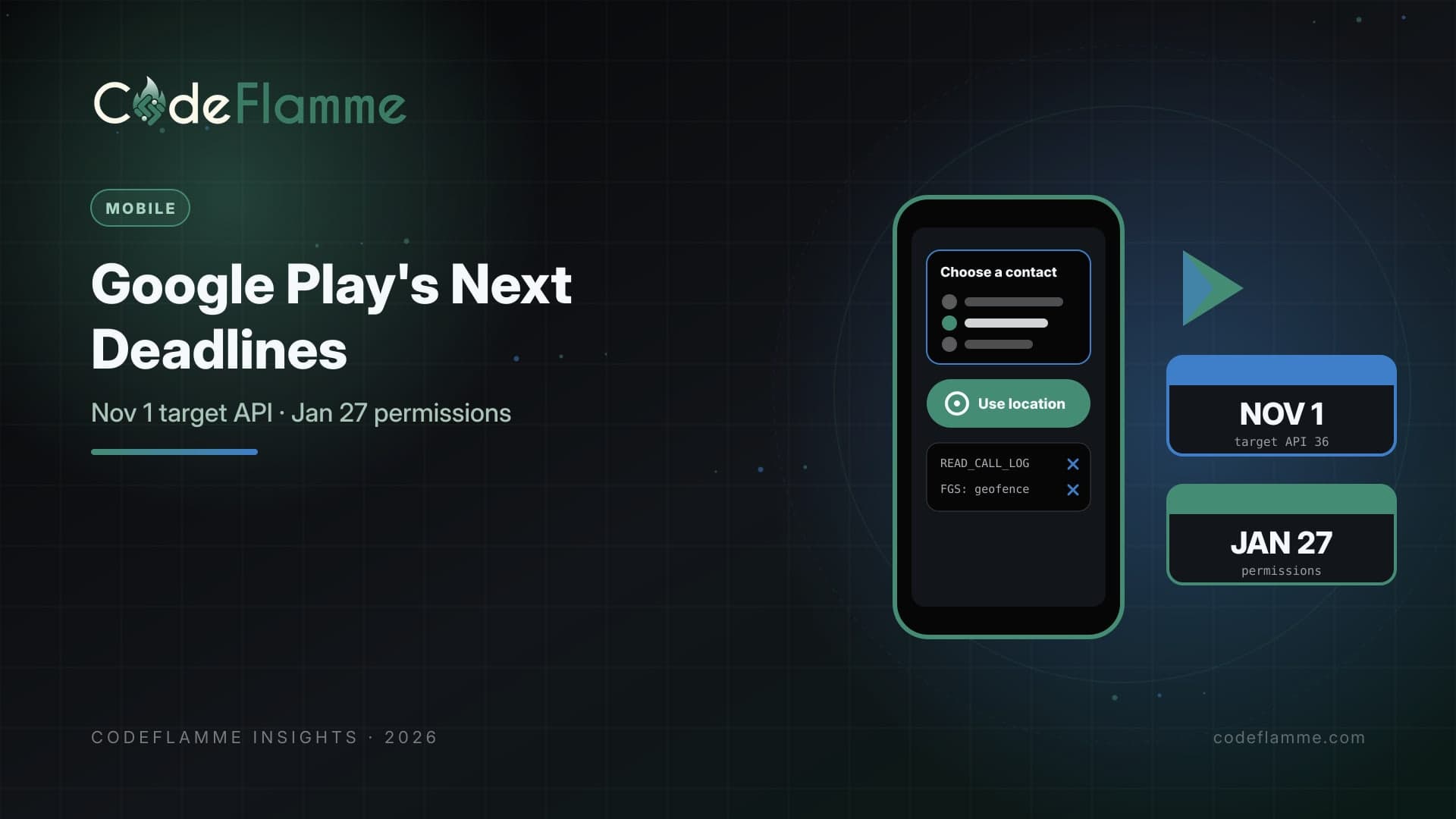
Google Play's yearly target API requirement passed on August 31, 2026: new apps and updates must target Android 16 (API level 36). Teams that needed more time could request an extension through Play Console, and Google's help page says that extension lets an app keep reaching all users until November 1, 2026. If your company requested one, that date is now less than four weeks away. Right behind it is a set of permission policy changes Google lists with a January 27, 2027 deadline: a new Contacts Permissions policy built around the Android Contact Picker, an updated Location Permissions policy that introduces a location button as the recommended minimum scope for precise location, removal of account verification by phone call as a permitted use of READ_CALL_LOG , and removal of geofencing as an approved foreground service use case. For B2B field, logistics, and sales apps, several of these touch core features.
First: confirm your target API status
Open Play Console and check the Policy status page for each app. Google says only apps that are not compliant receive warnings, and the extension form lives on the details page of the warning. If you see a warning, or you remember requesting an extension, treat November 1 as a release deadline, not a planning date. Google's documentation also explains that existing apps targeting below Android 15 stop being available to new users on newer Android versions, which is easy to miss when most of your customers install through managed devices.
Raising the target SDK is rarely a one-line change. Each Android release adjusts behavior for apps that target it, so budget time for regression testing on background work, notifications, permissions prompts, and edge-to-edge layouts. React Native and Flutter teams should also upgrade framework versions and plugins that declare their own target settings.
Google Play readiness checklist (as of Oct 2026)
[ ] Play Console > Policy status: any target API warning?
[ ] Extension requested? Ship targetSdk 36 before 2026-11-01
[ ] READ_CONTACTS: broad access needed, or Contact Picker?
[ ] Precise location: can the location button cover it?
[ ] READ_CALL_LOG for phone-call verification? Replace it
[ ] Foreground service used for geofencing? Move to Geofence API
[ ] Policy deadline for permission changes: 2027-01-27
Contacts: default to the picker
Google's new Contacts Permissions policy governs broad access to a user's contacts. Apps that do not need broad access must use the Android Contact Picker, which Google describes as a more secure, easy-to-integrate alternative that minimizes data collection. Many B2B apps request READ_CONTACTS for one narrow job, such as inviting a colleague, assigning a job to a customer, or sharing a document. Those flows are good candidates for the picker. If your product genuinely needs ongoing broad access, such as a CRM syncing an entire address book, prepare a clear justification and an in-app explanation, and expect review scrutiny.
Location: rethink precise location prompts
The updated Location Permissions policy introduces the location button as the recommended minimum scope for precise location. For apps that need a precise position at a specific moment, such as checking in at a job site or attaching a location to an inspection report, a user-initiated button is a better fit than a standing permission. Apps that track routes or need background location still have a path, but they should be able to explain why a moment-in-time grant would not work.
Verification and geofencing
If your app verifies phone numbers by reading the call log after placing a verification call, that use case will no longer be permitted for READ_CALL_LOG . Google points developers to the Digital Credentials API, directly or through a verification provider built on it, or the SMS Retriever API. Separately, geofencing is being removed as an approved foreground service use case; Google recommends the Geofence API instead. Field-service apps that keep a foreground service alive just to detect arrival at a site should plan that refactor now, because background and geofence behavior needs careful testing on real devices.
Sequence the work
Do the target API update first, because it has the nearest date and affects distribution. Then audit permissions: list every sensitive permission in your manifest, the feature that uses it, and whether a narrower API exists. Ship the Contact Picker and location button changes in regular releases well before January 27, so you are not combining policy work with a holiday release freeze. Finally, update your Data safety form and in-app permission explanations to match what the app now collects. Also tell enterprise customers what is changing. If a permission prompt disappears or a flow now uses a system picker, IT admins and trainers should hear about it from you before users file tickets.
Keep a short permissions document per app that lists each sensitive permission, the feature that needs it, and the date it was last reviewed. It makes Play declarations, customer security questionnaires, and future policy changes much faster to handle.
Managed devices are not an exemption from good hygiene
Many B2B apps are distributed through managed Google Play to company-owned devices, and teams sometimes assume consumer-facing policy changes do not apply to them. Play policies still govern apps published through Play, and enterprise IT teams increasingly review permission requests during app approval. A smaller, clearly justified permission set makes your app easier to approve in a customer's mobile device management console, which shortens deployment for every new account.
Founder takeaway
Check Play Console today for target API warnings and ship Android 16 targeting before November 1 if you took an extension. Then use the next three months to move contact access to the picker, precise location to the location button where possible, phone-call verification off the call log, and geofencing off foreground services. Each change reduces data collection, which is exactly what enterprise buyers and app reviewers want to see.