On October 29, 2026, Google added a new line to its Google Play policy deadlines : from April 14, 2027, developers building AppFunctions must comply with all existing Play policies, and AppFunctions are strictly prohibited from deceiving or manipulating AI agents, bypassing security controls, or interfering with other applications. A week earlier, on October 21, the AppFunctions Jetpack library reached 1.0.0-beta01. Put those two dates together and the message for anyone with a B2B Android app is clear. Agents on the phone are about to start calling into apps directly, Google has written the first rules for how that works, and the decisions you make about what to expose will be reviewed like any other part of your app.
What AppFunctions actually are
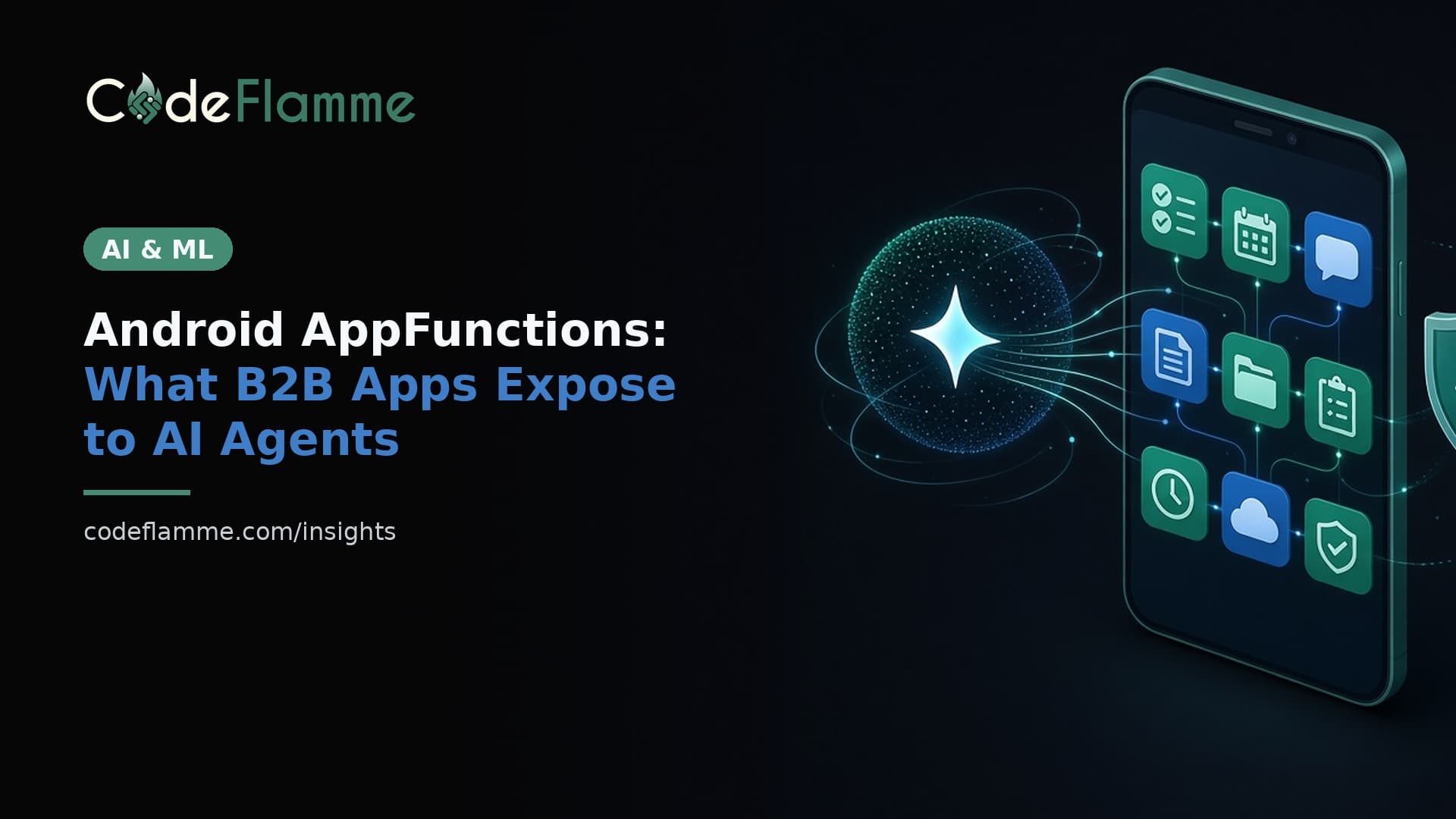
Google's AppFunctions overview describes them as an Android platform API, with a Jetpack library on top, that lets your app behave like an on-device MCP server. Each AppFunction is a tool: a named action such as creating a task or sending a message that an authorized caller can discover and run without the user opening your UI. Callers need the EXECUTE_APP_FUNCTIONS permission, and they can be other apps, agents, or assistants like Gemini. The platform API is available on devices running Android 16 or higher. The Jetpack library generates a schema file listing your declared functions, the OS indexes it, and an agent reads the function metadata and your app-level description to decide what to call and with which parameters.
The new Play policy in plain words
The April 14, 2027 entry is short, and that is the point. It does not create a new review track. It says AppFunctions fall under every policy you already follow, and it names three things you cannot do: deceive or manipulate AI agents, bypass security controls, or interfere with other applications. For a founder, the practical reading is that the descriptions and names you give your functions are now part of your policy surface. A function called exportReport that also uploads contacts, or a description written to nudge an agent into picking your app over a competitor's, is the kind of thing this line is written for.
What Google's own guidance says to expose
Google publishes an AppFunctions agent skill for coding agents, and its constraints read like a product spec. Expose only safe, non-destructive tasks that your app's UI already offers on that form factor. Never give agents wide-ranging access to user data or system resources. Never require or return passwords, financial details, private keys, or other highly sensitive personal information. Describe what each function does, never how an agent must behave. The implementation reference adds rules that matter for review. Function names must describe their purpose and must not misstate what the code does or resemble another tool or service. Parameters should be specific and named after the expected input, such as taskId or searchQuery , never vague catch-alls like conversation_history , because those invite agents to pass user data you do not need.
A shortlist for a typical B2B app
Most B2B apps have a handful of actions that are safe, frequent, and already one tap away in the UI. Those are your first AppFunctions: Look-ups. Find a customer record, show today's jobs, check an order status. Read-only, scoped to the signed-in user's tenant. Simple creates. Log a note against a ticket, create a task, start a draft. Low risk, easy to undo. Hand-offs. Open a specific screen with the right record loaded, so the user finishes anything consequential in your UI. Leave out anything that deletes data, moves money, changes permissions, or sends messages to people outside the company without a confirmation step. If that action matters to customers, return a deep link into your app and let a human tap the final button. We cover that pattern in more depth in approval gates for agentic products .
The technical floor
According to Google's skill guidance, an app adopting AppFunctions must target SDK 36 or newer and compile against SDK 37 or newer, using androidx.appfunctions:appfunctions and the KSP compiler androidx.appfunctions:appfunctions-compiler at 1.0.0-beta01 or later. Functions are Kotlin suspend functions annotated with @AppFunctionDeclaration , and since beta01 the isDescribedByKDoc flag has no default, so it must be set explicitly. Two consequences for planning. If your app is cross-platform, this is native Android work: expect a small Kotlin module alongside your React Native or Flutter code, not a JavaScript package. And because the library is still in beta, pin the version and budget for API changes before stable.
Testing and going live with Gemini
You can test locally today. Google's docs point to ADB commands under adb shell cmd app_function to list registered functions, inspect their metadata, and run them on a device. Treat that as a contract test suite: every function, every parameter combination your KDoc promises, and the failure cases when the user lacks access. Getting in front of Gemini is a separate step. Google's Connected Console guide describes creating a connected app with the Android MCP connection type, linking it to your Play app, configuring a public app card, uploading a bundle, testing a preview on device, and then publishing. Plan that as its own release with its own review, not a checkbox on your next update.
How to sequence this before April 2027
This month. List the ten most common actions users take in your Android app and mark each as read, create, hand-off, or never-expose. That list is the product decision; the code is small once it exists. Next quarter. Build three to five read and create functions on a branch, write the KDoc as if a reviewer will read it, and add the ADB checks to CI. If your app is also catching up on Play's other changes, our note on the January 2027 contacts and location permission deadlines covers the work that lands first. Before April 14, 2027. Review every exposed function against the policy line: does the name match the behaviour, does the description avoid steering the agent, and do permission checks match the UI? Fold that review into the governance work buyers already ask about, which we outline in the AI governance checklist buyers ask for .
Founder takeaway
AppFunctions turn your Android app into a set of tools that agents can call, and Google has now said those tools will be judged by the same Play rules as the rest of your app. The teams that come out ahead will expose a small, honest, well-described set of actions and keep anything risky behind a human tap. Want help choosing which actions to expose and building them without punching holes in your permission model? Talk to the CodeFlamme team .