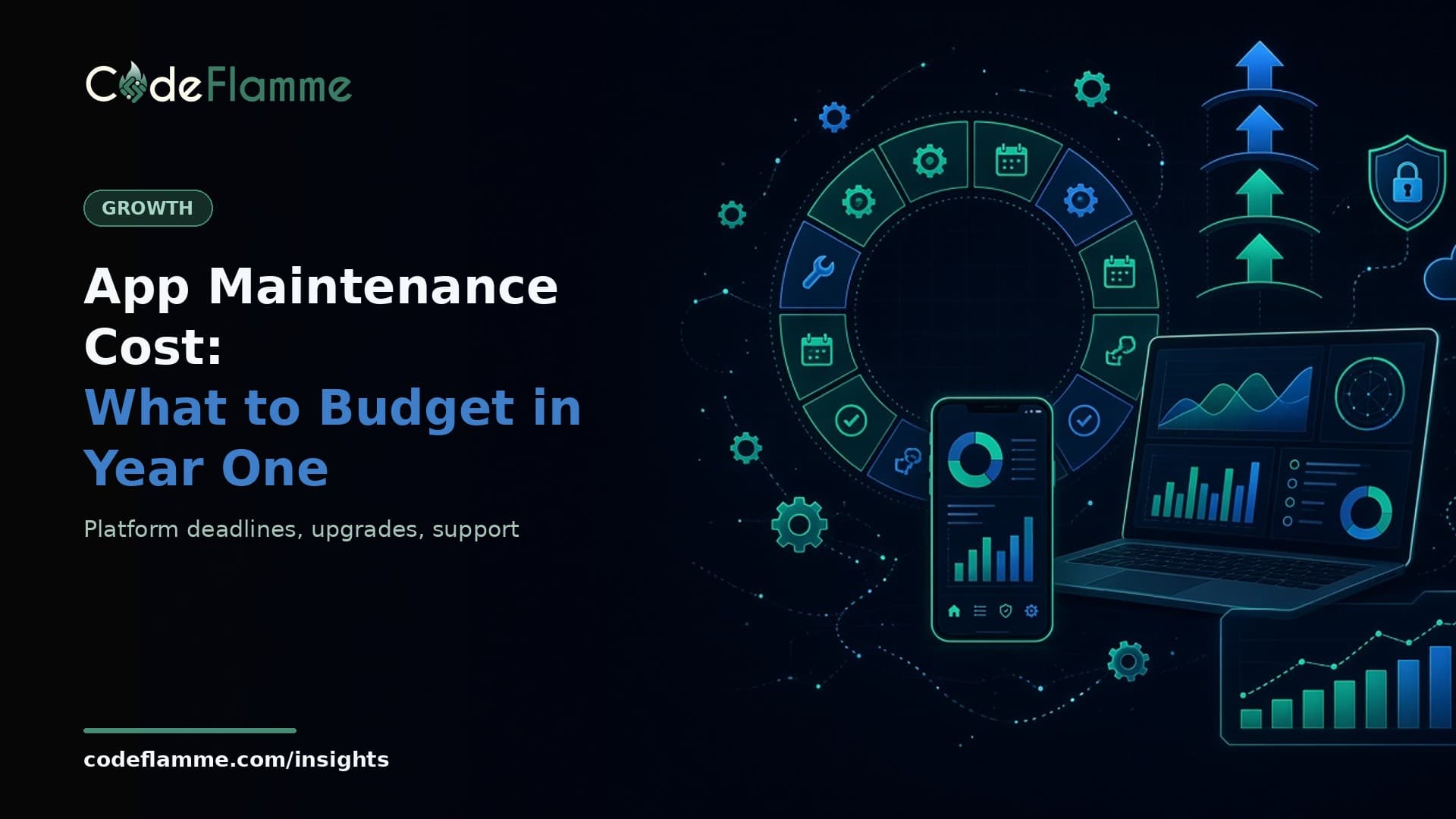
Most founders budget carefully for version one and then treat everything after launch as a rounding error. It is not. An app that nobody touches for a year does not stay still: the app stores raise their floors, frameworks drop support for older versions, and the libraries you depend on move on without you. App maintenance cost is the price of staying shippable, and it is far easier to plan for before launch than to discover in the middle of a sales cycle. This post breaks year-one maintenance into the parts you can actually plan, using the platform rules that are on the calendar right now. We are not going to give you a magic percentage of build cost, because the honest answer depends on your stack, your integrations and how fast you ship features. What we can give you is the list of work that will happen whether you budget for it or not.
1. Store rules that move every year
Both app stores publish minimum requirements, and both raise them on a schedule. On Android, Google Play's target API level requirement says that since August 31, 2026, new apps and app updates must target Android 16 (API level 36). Existing apps that fall behind are not deleted, but they stop being available to new users on newer Android versions. This happens every year, so a target SDK bump, with the regression testing it needs, belongs in every Android budget. Apple works the same way. Its upcoming requirements page shows that since April 28, 2026, uploads must be built with Xcode 26 and the 26-series SDKs. The next step is already announced: from April 2027, iOS and iPadOS apps must be built with the iOS 27 SDK and target iOS 15 or later. We covered what that means in detail in Apple's April 2027 deadline , including a lifecycle change that can stop older apps from launching.
2. Framework and runtime upgrades
If your app runs on React Native, the project's release schedule shows a new minor version roughly every two months, and the team commits to supporting the latest three minor series. In practice, a version you ship today can fall out of support within about half a year. Skipping a few releases is fine; skipping a year usually turns a routine upgrade into a project. Our React Native 0.89 audit shows what one of those upgrades looks like in a real codebase. Your backend has the same clock. Node.js promotes a new long-term support line every October, and older lines reach end of life on a published date. The Node.js 26 LTS upgrade plan walks through why one planned runtime upgrade a year is cheaper than an emergency one.
3. Dependencies, SDKs and third-party APIs
A typical product depends on payments, analytics, push notifications, auth, maps and a handful of open-source libraries. Each of those vendors ships breaking changes, deprecates API versions and occasionally changes pricing or policy. Budget a regular dependency review, not just a reaction when something fails in production. Store policies count here too: Google's January 2027 permission policy changes are a good example of a rule change that forces product work, not just a version bump.
4. Hosting, monitoring and on-call
Infrastructure is the line founders remember, but the work around it is what gets missed. Someone has to watch error tracking, renew certificates and keys, rotate credentials, check backups actually restore, and respond when an alert fires at an inconvenient hour. Decide before launch who owns that and what response time you are promising customers. For B2B products, enterprise buyers will ask.
5. Bugs, support and small product changes
Real users find problems no test plan did. Some are bugs, some are confusing flows, and some are small requests from your most important customer. Keep these separate in your budget from new features. If every fix competes with the roadmap for the same hours, fixes lose until a customer threatens to leave.
How to turn this into a budget
Calendar work. List the store, framework and runtime deadlines for the next twelve months and give each one a named owner and a target month. Recurring work. Reserve regular time every month for dependency updates, monitoring and bug fixes, so it is not taken from feature work. Reactive work. Keep a buffer for incidents and urgent customer issues. If you use an agency, agree a retainer or a support response time in writing. Account costs. Include developer program memberships, hosting, monitoring and third-party SDK plans. Google Play, for example, charges a one-time US$25 registration fee ; most of the other lines recur.
When you compare build quotes, ask every vendor what happens after launch: who handles the yearly store bumps, how framework upgrades are priced, and what the support response time is. Our guides on how much an MVP costs and the app development contract checklist cover the build side; this is the part most quotes leave out.
Founder takeaway
Maintenance is not a sign that something was built badly. It is what keeps a good app shippable while the platforms underneath it change. Put the known deadlines on a calendar, reserve steady time for upgrades and fixes, and agree who owns support before your first customer depends on you. If you want help planning year-one maintenance for an app you are building or have just launched, talk to our team or see our product development services .