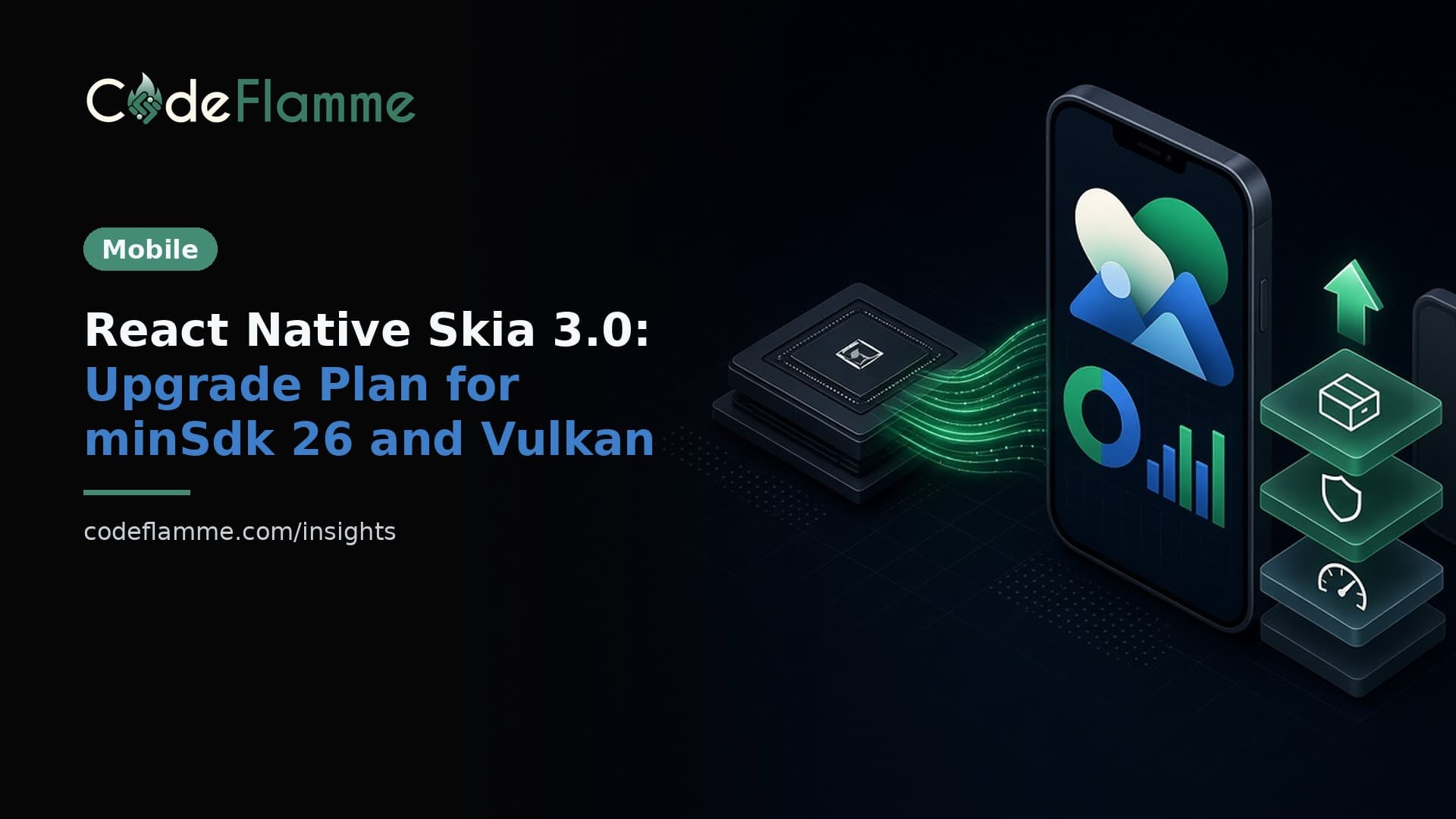
If your app draws charts, maps, signatures, custom gauges or anything else that goes beyond stock views, there is a good chance React Native Skia is doing the drawing. On October 2, 2026, version 3.0.0 landed on npm under a new name, react-native-skia , and it is the biggest change to the library since it launched. It is faster and more stable. It also raises your Android floor, changes which devices Google Play will offer your app to, and needs a development build on Expo. None of that is a reason to panic. It is a reason to plan the upgrade instead of letting npm update plan it for you.
What actually changed in React Native Skia 3.0
Three things matter for a production team, all from the project's own migration guide and README . A new package name. The library now publishes as react-native-skia . The old @shopify/react-native-skia package stops at 2.14.0. Version 2 is still maintained, under the new name, as react-native-skia@2 . A new GPU backend. Version 3 renders with Skia Graphite on Dawn, Google's WebGPU implementation. That means Metal on Apple platforms and Vulkan on Android, instead of OpenGL ES. Rendering is multi-threaded by default, and Skia can share the same GPU device with React Native WebGPU and three.js. Higher platform requirements. Android needs API level 26 or above and Vulkan 1.1. iOS needs a minimum deployment target of 15.1. Expo Go bundles the version 2 native code, so version 3 needs a development build.
Why a graphics library upgrade is a business decision
Most dependency bumps are invisible to users. This one is not, for one specific reason: the Vulkan requirement. The migration guide says the library's manifest declares android.hardware.vulkan.version as a required feature, which merges into your app's manifest. Google Play then stops serving your app to devices without Vulkan 1.1, such as older hardware and some TV boxes. On a device without Vulkan that already has the app, it still runs, but Skia.gpu.isAvailable is false and Skia canvases stay blank. For a consumer app on recent phones, that may be a rounding error. For a B2B field app running on cheap rugged Android devices, a kiosk, or a fleet of handsets your customer bought in bulk years ago, it could be the screen your users need most going blank. The guide documents how to opt out of the manifest declaration, but opting out only moves the problem from the Play Store listing to a blank canvas on the device, so you need a fallback either way. The upside is real too. In the Graphite performance write-up published October 26, the maintainer explains that recording and submission now run on a render thread, so animations next to a heavy canvas stay at the display rate, and that splitting a scene into two canvases drew 1.25 times as many rectangles per second on a Pixel 8 and 1.7 times as many on an iPhone 14 Pro. If your dashboards or drawing tools stutter today, version 3 is worth the work.
Step one this sprint: rename the package
This is the low-risk part, and it is worth doing even if you stay on version 2 for months. A scoped package that no longer publishes is exactly what a dependency audit or a buyer's security questionnaire flags later. Moving to react-native-skia@2 keeps the same OpenGL ES rendering and the same device support, so it should not change behaviour for users. Run your usual regression pass anyway, because imports change across the codebase.
# Stay on v2, but move to the maintained package name
yarn remove @shopify/react-native-skia
yarn add react-native-skia@2

# Then update imports from "@shopify/react-native-skia" to "react-native-skia"
# and rebuild native code (pod install on iOS)
Check the exact import changes against the migration guide before you merge, since the guide is the source of truth and it is still being updated as 3.x moves quickly. Between October 2 and October 27 the 3.x line went from 3.0.0 to 3.8.1 on npm.
Step two: decide whether your users can take the Android floor
Before anyone opens a version 3 branch, answer two questions with data rather than guesses. What share of your active Android users are on API level 25 or lower? Your Play Console and your analytics tool both show this. If the number is tiny, raising minSdkVersion to 26 is a non-event. If you serve a long-lived device fleet, talk to the customer before you ship. Which of your devices lack Vulkan 1.1? This matters more than the API level, because it is the requirement that changes your Play Store reach. Test on the cheapest, oldest device you support, not the phone on your desk. If either answer is uncomfortable, staying on version 2 is a legitimate choice. It is maintained, and it still supports devices below API 26, devices without Vulkan, Android TV and Expo Go.
Step three: upgrade on a branch, with a fallback
When you do move, the path is short on paper. Raise minSdkVersion to 26 in android/build.gradle , or through expo-build-properties on Expo. Re-run pod install , because the Skia binaries now come from new npm packages alongside react-native-webgpu-dawn . Clean the Android build if it fails after the bump. The part teams skip is the fallback. Check Skia.gpu.isAvailable before rendering anything critical, and show a plain static view or a server-rendered image when it is false. Then ship the release through a staged rollout, watch crash and ANR rates by device model for a few days, and only then widen it. That is the same discipline we use for any native upgrade, and it is cheap compared with a support queue full of blank screens.
Where this fits in your upgrade calendar
Skia is one of several native changes landing this autumn. React Native 0.88 moved 0.85 out of support , Expo SDK 58 has its own upgrade plan , and the move to Swift Package Manager is coming on iOS. Do not stack all of them into one release. Rename Skia first, then do the framework upgrade, then the Skia 3 move, each with its own rollout. If you are still choosing a stack, our guide to React Native vs Flutter in 2026 covers how upgrade cadence should factor into that decision.