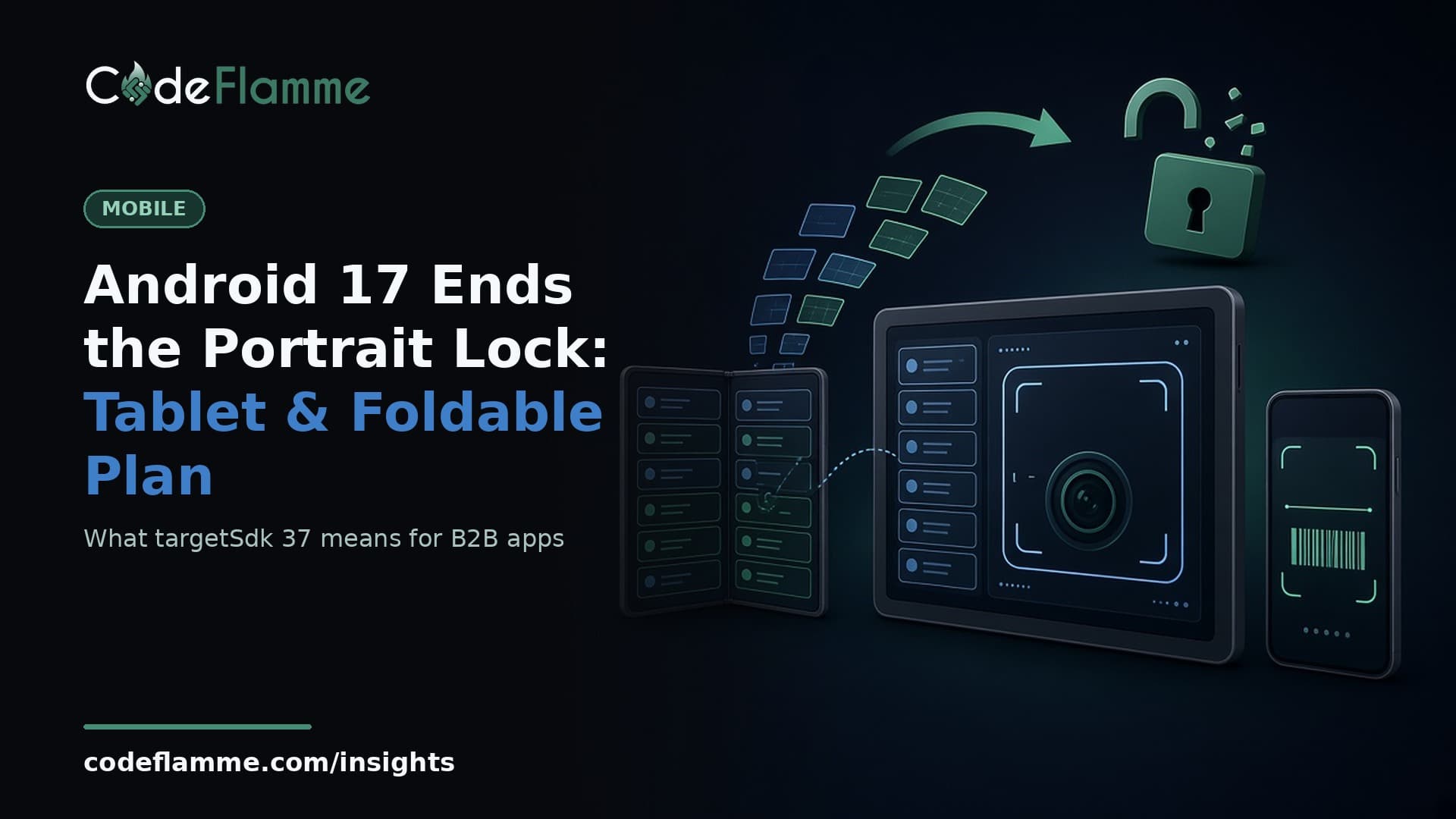
Plenty of B2B Android apps ship with one quiet assumption: the screen is a phone, held upright. Field-service apps, inspection checklists, driver apps and clinic intake tools often lock to portrait in the manifest and never think about it again. Android 17 ends that assumption on large screens. Google released Android 17 on June 16, 2026 , and once your app targets API level 37, the portrait lock, the landscape lock and your aspect-ratio limits are ignored on any display whose smallest width is 600dp or more . Tablets, foldables and desktop windows get your app full-window, in whatever orientation the user holds the device. This is not a security bulletin or a nice-to-have. It is a layout change that arrives the day your team bumps targetSdkVersion , and Google Play makes that bump mandatory on a schedule. Here is the plan we would give a founder.
What exactly changes at targetSdk 37
Android 16 introduced the change with a temporary developer opt-out. Android 17 removes the opt-out. According to Google's Android Developers post , when an app targeting API 37 runs on a screen with smallest width of 600dp or more, the platform ignores fixed values for screenOrientation and setRequestedOrientation() , and ignores resizeableActivity , minAspectRatio and maxAspectRatio entirely. There is no pillarboxing to hide behind: the app fills the window. Two carve-outs matter. Phones and other screens under 600dp are unaffected, and apps categorized as games through android:appCategory are excluded. Users can also opt back into your requested behavior in the system aspect-ratio settings, but that is their choice, not yours, and most will never find it.
When you are forced to target API 37
Google Play sets the clock. Its target API level requirements page currently says new apps and app updates must target Android 16 (API 36) from August 31, 2026, with extensions available to November 1, 2026. As of November 19, 2026 the page does not yet list a date for API 37. The pattern so far is one year: API 35 was required from August 31, 2025 and API 36 from August 31, 2026. If Google keeps that rhythm, API 37 lands around August 2027. Treat that as a planning assumption, not a promise, and watch the Play Console page. Either way, the work is cheaper in a calm quarter than in the four weeks before a store cutoff, which is how many teams handled API 36.
Where portrait-locked B2B apps break
Google lists the usual suspects, and they match what we see in rescue projects: camera previews that come out stretched, rotated or cropped on foldables; layouts that stretch into wide empty rows; buttons pushed off-screen; and lost state when the device rotates or the window resizes, because the app never had to survive a configuration change before. For B2B products, add a few of our own. Signature pads and photo-capture flows tuned to a portrait aspect ratio. Barcode scanners whose framing guide assumes a tall viewport. Long forms that look fine at 400dp wide and become unreadable single lines at 1200dp. Multi-step wizards that reset when a field technician rotates the tablet to show a customer the screen.
The React Native and Flutter angle
Cross-platform does not exempt you. A React Native or Flutter app is still an Android activity, so the manifest lock is ignored the same way. The difference is where the bugs hide. In React Native, look at screens that read window dimensions once at mount instead of reacting to change, native modules for camera or scanning, and any library that forces orientation. In Flutter, look for hard-coded widths, layouts that never consult MediaQuery or LayoutBuilder , and plugins that wrap Camera2 directly. Also check what your framework template sets. Framework upgrades often bump targetSdkVersion for you, so the layout change can arrive as a side effect of a routine upgrade. Read the Android section of the release notes before you merge, and pair this work with your React Native 0.89 native module audit or Flutter 3.50 upgrade plan rather than running them as separate fire drills.
A four-step plan for this quarter
1. Inventory. List every activity with a fixed orientation or aspect-ratio limit, plus every screen that uses the camera, a scanner, a signature pad or a video surface. That list is your risk register. 2. Test before you target. Google's guidance is to use the Pixel Tablet and Pixel Fold emulators, and you can preview the behavior on an app that does not yet target API 36 by enabling the UNIVERSAL_RESIZABLE_BY_DEFAULT compatibility flag. Run your top five workflows in landscape, portrait, split-screen and a resized window. 3. Fix by priority, not by screen count. Camera and capture flows first, since Google recommends CameraX PreviewView or the CameraViewfinder library over hand-rolled previews. Then state loss on rotation, then layout. A two-pane layout for tablets is a product decision; a crash on rotation is not. 4. Bump the target with a release plan. Ship the layout fixes while still on API 36, then bump to 37 in its own release with a staged rollout, so you know which change caused which bug report.
What this means for your roadmap
For most founders the honest framing is simple: this is two to four sprints of quality work if your app was built portrait-only, and close to nothing if it was built responsive from day one. The cost depends on how many capture flows and custom native views you have, which is why the inventory comes first. There is upside, too. Many B2B buyers already hand their teams tablets and foldables. An app that works well in landscape and split-screen demos better in procurement and earns fewer "can you make it work on our tablets" tickets. If you also ship on iOS, our note on adaptive layouts for B2B iOS apps covers the same design work from Apple's side, and our breakdown of the November 1 Play target API cutoff shows how the last deadline played out. If you want a second pair of eyes on your Android 17 inventory or a fixed-scope adaptive layout pass, talk to our team .