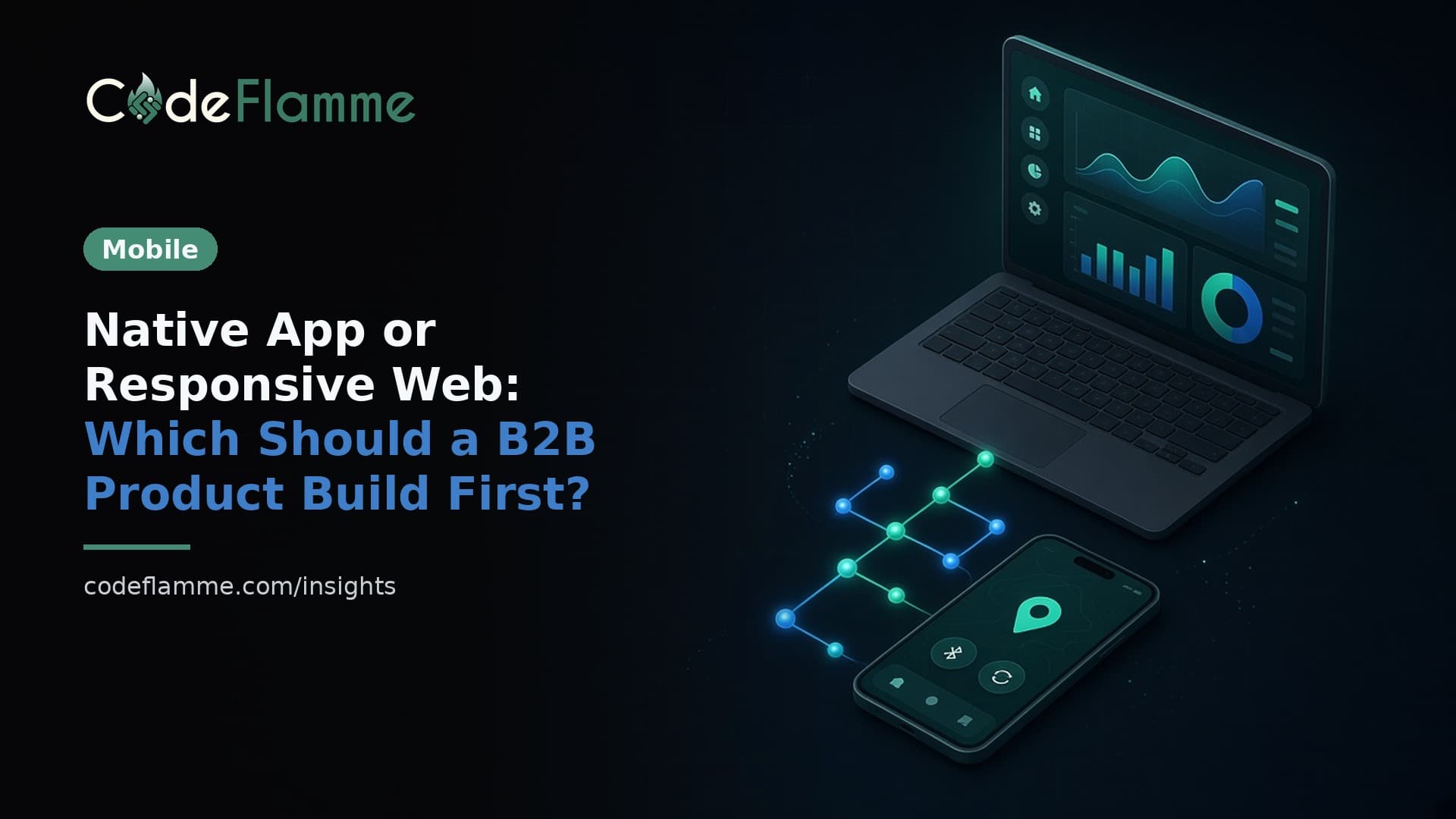
"Do we need a native app?" is the wrong first question. The useful one is: what does our B2B buyer do on a phone that a responsive web product cannot already do — and is that capability on the critical path for revenue this quarter? For most B2B SaaS sold through demos, SEO, and outbound, the honest answer in 2026 is still: ship responsive web first, optionally make it installable as a PWA, and earn a native client when hardware, offline field work, or real store distribution demands it ( Coding Capybaras mobile vs web for SaaS ).
Start with sales motion, not screenshots
Desk-first tools (ops dashboards, CRMs, analytics, internal admin, most vertical SaaS) win on shared links, SEO, instant deploys, and one codebase. Your buyer already lives in a browser for work. A phone-sized responsive UI plus "Add to Home Screen" covers the "check status between meetings" use case without App Store review latency. Field-first tools (inspections, logistics, clinical capture, inventory with scanners) are different. If the job happens offline, needs background location, Bluetooth peripherals, or a camera pipeline the browser cannot own reliably, native (or a carefully scoped cross-platform client) is not a nice-to-have — it is the product surface. Map your first ten design-partner accounts before you pick a platform. If nine of them will evaluate you on a laptop during a Zoom demo, optimizing for App Store icons is premature optimization dressed as product vision.
A founder decision tree
1. Does the core feature require hardware or OS APIs the browser lacks? Background GPS, BLE devices, widgets, Watch companions, deep HealthKit-style integrations — yes means native. No means keep going. 2. Is App Store / Play search a real acquisition channel for your category? Consumer fitness and games, sometimes. Enterprise SaaS bought after a discovery call, almost never. "People will find us in the store" is hope, not a channel plan. 3. Have paying customers asked unprompted more than twice? Survey "would you like an app?" always says yes. Ticket themes and renewal risk from people already paying are signal. 4. Do you already have a revenue-generating web product? If not, adding a second client before product-market fit doubles release cost without proving the workflow. Ship web, instrument mobile web usage, revisit in a quarter. Stop at the first hard yes. Four noes means web-first with a PWA checklist — not "maybe we’ll do both in the same sprint."
What "web first" should still include
Responsive layout with 44px tap targets, no hover-only actions, and correct input modes. A web app manifest with standalone display so home-screen install feels like an app. Optional service worker caching for the screens people reopen. Web Push on modern iOS/Android for installed PWAs when you have a notification worth sending — not badge spam. On iOS 16.4+, Web Push for home-screen web apps uses Apple’s push service without requiring Developer Program membership for that path alone; still design permission prompts as intentional user actions. Design the API as client-agnostic from day one. The same endpoints your Next.js (or equivalent) UI calls should be ready for a future React Native / Flutter / native client. That separation costs almost nothing now and saves a rewrite later.
Why "just wrap the site" is a trap
WebView shells that mainly load your marketing site or the same pages Safari already shows routinely fail Apple’s Guideline 4.2 minimum functionality bar — apps should elevate beyond a repackaged website ( App Store Review Guidelines ). You spend weeks, wait in review, then get asked for native value you did not budget. If you enter the store, enter deliberately with offline behavior, real push integration, or hardware use that justifies the binary. Also model store economics: Small Business Program rates still dwarf typical card processing fees on in-app subscriptions. Price and packaging should assume commission if store IAP is the plan. Cross-platform frameworks (React Native, Flutter) reduce duplicate UI work; they do not remove review queues, signing, or the second release train.
Briefing your agency
Put the decision in the SOW: Web-first MVP with responsive + PWA checklist, or Native/cross-platform MVP with a named capability that forces it. Require a one-page decision memo: sales motion, offline needs, push needs, store channel thesis, and "revisit criteria" (for example, sustained mobile-web usage among paid accounts, or two enterprise logos requiring offline). Refuse dual-track "web and iOS and Android in the same MVP" unless hardware-critical. Parallel clients multiply QA, signing, and support ("works on web but not in the app") before you have retention data. Share mobile web analytics with the agency monthly so the native revisit is driven by evidence, not a competitor’s store screenshot. When you do greenlight native, start with one platform that matches where field users actually work, keep feature parity intentional rather than pixel-perfect, and budget ongoing release engineering — not just the first App Store submission.
CodeFlamme’s bias for founder builds: validate on web, earn native when the job or the channel is unmistakably mobile — and never let a pitch-deck screenshot dictate a second platform.
Related reading: if your team is leaning native, our guide to React Native vs Flutter in 2026 covers the stack choice. Before you scope either path, the SaaS MVP cut list and honest MVP cost ranges for 2026 help keep the first release small, and agency vs freelance vs in-house helps you pick who builds it. Not sure which path fits your product? Talk to the CodeFlamme team .